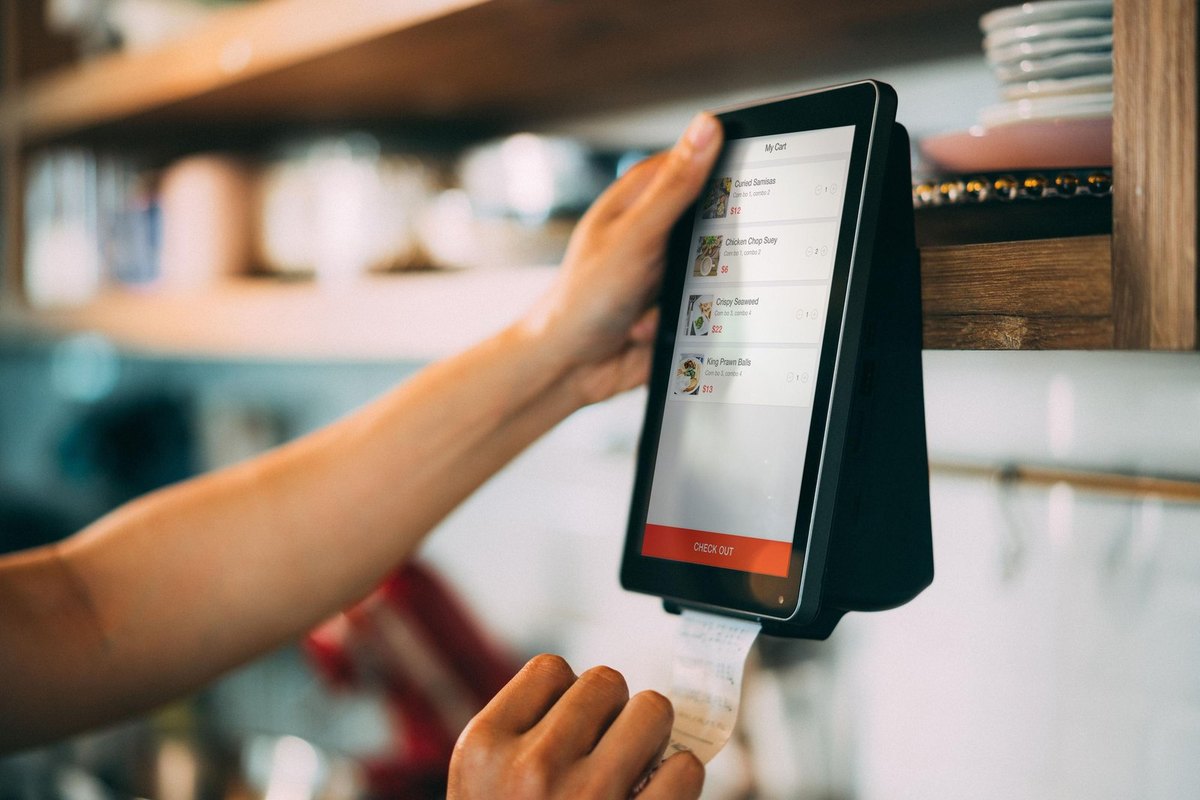


Retailers and restaurant operators face a familiar dilemma. Orders arrive from a website, a mobile app, third-party marketplaces, phone calls, and in-store terminals – each producing its own record in a separate place. Keeping those records aligned by hand eats up staff time and invites mistakes. Omnichannel order management combines every touchpoint into one view. But does that promise hold up when the phones are ringing and the kitchen is slammed? This guide explains what the technology does, when it helps, and whether it suits you.
In This Article:
What Omnichannel Order Management Actually Handles Behind the Scenes
At its foundation, an omnichannel system functions as a central hub that gathers orders arriving from every possible channel and then directs them through a single, consistent workflow that stays the same regardless of source. The platform captures, checks, assigns, and updates orders automatically. Because the process runs through a single automated path, that approach reduces double entry of data and keeps everyone across the business looking at exactly the same numbers at all times.
The technology also standardises how information is stored. Customer profiles, payment records, and order history sit in one database rather than scattered across tools that never talk to each other. When comparing platforms, it helps to review broader market options too – some operators start by looking at online ordering providers for restaurants before committing to a full management suite.
Routing, Fulfilment, and Status Tracking
Behind every accepted order that comes through, the system quietly determines where the item should be prepared or shipped from, adjusts the relevant inventory counts to reflect the change, and then pushes an updated status notification back to the waiting customer. This coordination happens in seconds, which matters when a single delayed update can trigger a refund request or a bad review.
Everyday Scenarios Where Unified Order Data Saves Hours of Manual Work
The real test of any tool is a normal Tuesday, not a demo. Consider a mid-sized operation that is constantly juggling several delivery apps, its own website for online orders, and the steady stream of walk-in traffic coming through its doors each day. Without unified data, staff reconcile sales across three dashboards. With a single system that pulls everything together into one place, that reconciliation is already done by the time the morning begins, freeing staff to focus on more pressing matters.
Here are common situations where consolidated order data cuts manual effort:
- Customer address changes sync instantly across all connected channels.
- Low stock updates across all channels instantly, preventing oversells.
- A counter refund appears in online records without a separate entry.
- End-of-day totals compile automatically, eliminating manual spreadsheet work.
Fewer Handoffs Between Teams
Shared records mean fewer questions bounce between kitchen, front-of-house, and fulfilment staff. This speeds up delivery and reduces the risk of two people repeating the same task.
Weighing the Setup Effort Against Long-Term Operational Payoff
No honest assessment of such a system can ever skip over the cost side, because ignoring the expenses involved would give anyone an incomplete and misleading picture of the situation. A unified system requires planning, data migration, and training. Small operators, who tend to work with limited resources and tighter margins, sometimes find the upfront work genuinely daunting, and for them the payoff only becomes truly clear after a few busy weeks have passed and the routine finally settles into place. Larger chains gain quickly because they remove a huge amount of manual reconciliation work.
A practical way to judge fit is to estimate the hours currently spent moving data between systems, then compare that against the licence and setup expense. For businesses weighing their choices, a review of technology options built for multi-location chains can clarify which feature set matches the scale of the operation. According to Shopify’s 2026 guidance on omnichannel order management, businesses that centralise fulfilment logic tend to recover setup costs through reduced error handling and faster processing over the following quarters.
Powering Real-Time Inventory Sync With Scalable Cloud Computing Resources
Real-time inventory synchronisation is one of the heaviest technical demands an omnichannel setup places on infrastructure. Every sale, return, and transfer must update stock counts across channels within moments. During peak periods, that means processing thousands of small transactions and running demand forecasts on the fly. This is where scalable compute matters. Workloads that involve predictive analytics or rapid data crunching often run on a gpu cloud environment, which can handle the parallel calculations that forecasting models require far faster than standard servers.
Cloud resources let businesses pay for capacity only when needed. A seasonal spike no longer forces a permanent hardware purchase. Among the many providers active in this particular space, IONOS Cloud is one name that frequently appears when businesses begin comparing the various infrastructure options available for handling such demanding workloads.
Matching Compute Power to Demand Patterns
It is important to recognise that not every single operation, regardless of its particular scale or the specific demands placed upon it, actually needs heavy analytics in order to function properly and deliver reliable results to those who depend on it. A single café with one delivery partner can run on modest infrastructure. A chain predicting demand across dozens of sites gains from flexible capacity that grows during promotions and shrinks afterward. Matching the compute layer to actual demand keeps costs sensible and reasonable, while at the same time continuing to support instant stock updates whenever inventory levels change.
Signs Your Business Has Outgrown Disconnected Sales Channels
Some businesses manage fine with separate tools for years. Others reach a point where the manual connections holding their systems together begin to break down completely. Spotting that moment early will save you money and protect your reputation.
Watch for these warning signals that fragmented channels are holding you back.
- Staff spend an hour or more daily reconciling orders across platforms.
- Inventory lagging behind actual sales causes oversells and stockouts.
- Customers get conflicting information depending on the channel used.
- Adding a sales channel means starting over, not plugging into existing flows.
When two or more of these signs keep showing up, consolidation makes sense. The cost of staying fragmented tends to show up as lost sales, refunded orders, and burned-out staff rather than as a clear line on an invoice, which is precisely what makes it so easy to underestimate.
Making the Decision With Confidence
Whether omnichannel order management is truly worth it honestly comes down to your volume and complexity. A very small operation that sells through only one or two channels, given its limited scope and modest order flow, may well find, at least for the moment, that the effort required to set up such a system outweighs any gain it might deliver. A growing business managing several channels, frequent stock movement, and increasing order volumes nearly always benefits once the system settles. The test is simple: if manual coordination wastes time your team could spend on customers, unifying your order data usually pays off. Map your current order flow, find the friction points, and pick a platform matching real demand.
Frequently Asked Questions
How long does it typically take staff to adjust to a new order management workflow?
Most teams need two to four weeks before the new routing and status updates feel automatic rather than something they have to double check. Front-of-house staff usually adapt faster than kitchen or warehouse teams, since they interact with the confirmation screens more directly. Running a short overlap period with the old process as backup reduces order errors during the transition.
What happens to order accuracy when a channel like a marketplace app goes down temporarily?
A well configured system should reroute pending orders to available channels and flag the outage so staff are not caught blindly accepting orders that cannot be fulfilled. Without that failover logic, operators risk double bookings or missed orders piling up once the channel comes back online. Testing how the platform behaves during a simulated outage before going live is worth the extra hour it takes.
How do I know if my order volume justifies the cost of a unified management platform?
A rough benchmark many operators use is comparing hours spent weekly on manual reconciliation against the subscription cost, since staff time saved often pays for the tool within a few months. Businesses running fewer than three channels or under fifty daily orders sometimes find the investment harder to justify right away. Tracking order errors and refund requests for a month beforehand gives a clearer picture of what unification could actually save.
What infrastructure do I need to keep an omnichannel order system stable during flash sales or lunch rushes?
Order spikes create bursts of parallel demand forecasting and routing decisions that shared hosting often cannot absorb without lag. A gpu cloud setup gives operators the parallel processing power needed to keep status updates and inventory syncs accurate when traffic peaks. IONOS CLOUD offers this type of scalable hardware, which shapes how reliably the whole system holds up under pressure.
What mistakes do restaurants and retailers commonly make when switching to unified order data?
A frequent error is migrating historical order records without cleaning up duplicate customer profiles first, which carries confusion into the new system. Another common mistake is skipping a test run during a low volume period, so the first real stress test happens during a busy weekend instead of a controlled trial. Underestimating staff training time on exception handling, like split orders or partial refunds, also causes friction early on.